EVERYDAY TOOLS · BY PHANITH NY
iBoard Khmer Keyboard
Intelligent Khmer QWERTY keyboard with predictive text and swipe gestures
Replace your phone's default keyboard with an intelligent Khmer keyboard that automatically learns your writing style, slang, and phrases.
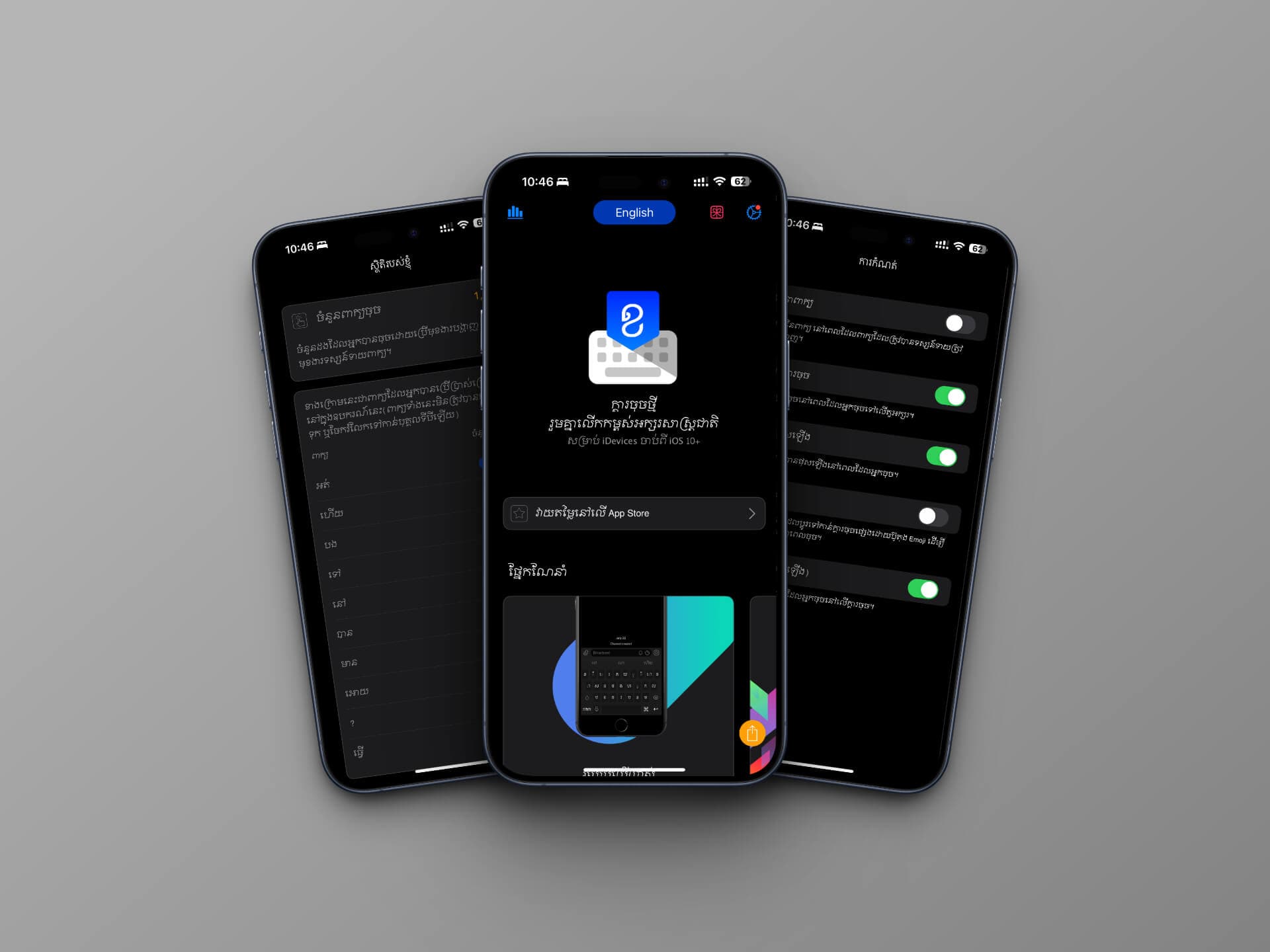
- Added support for iPhone Duo - Improved keyboard responsiveness for smoother typing and faster word suggestions. - Made deleting long passages smoother and more responsive. - Improved emoji scrolling and selection. - Fixed keyboard appearance when switching between light and dark mode. - Improved theme purchasing and purchase restoration with clearer progress and messages. - Fixed keyboard settings and improved typing statistics. - Refined app layouts for different screen sizes.
SCREENSHOTS · DESIGN DETAILS
Experience the interface.
A FEW GOOD DETAILS
Built around what matters.
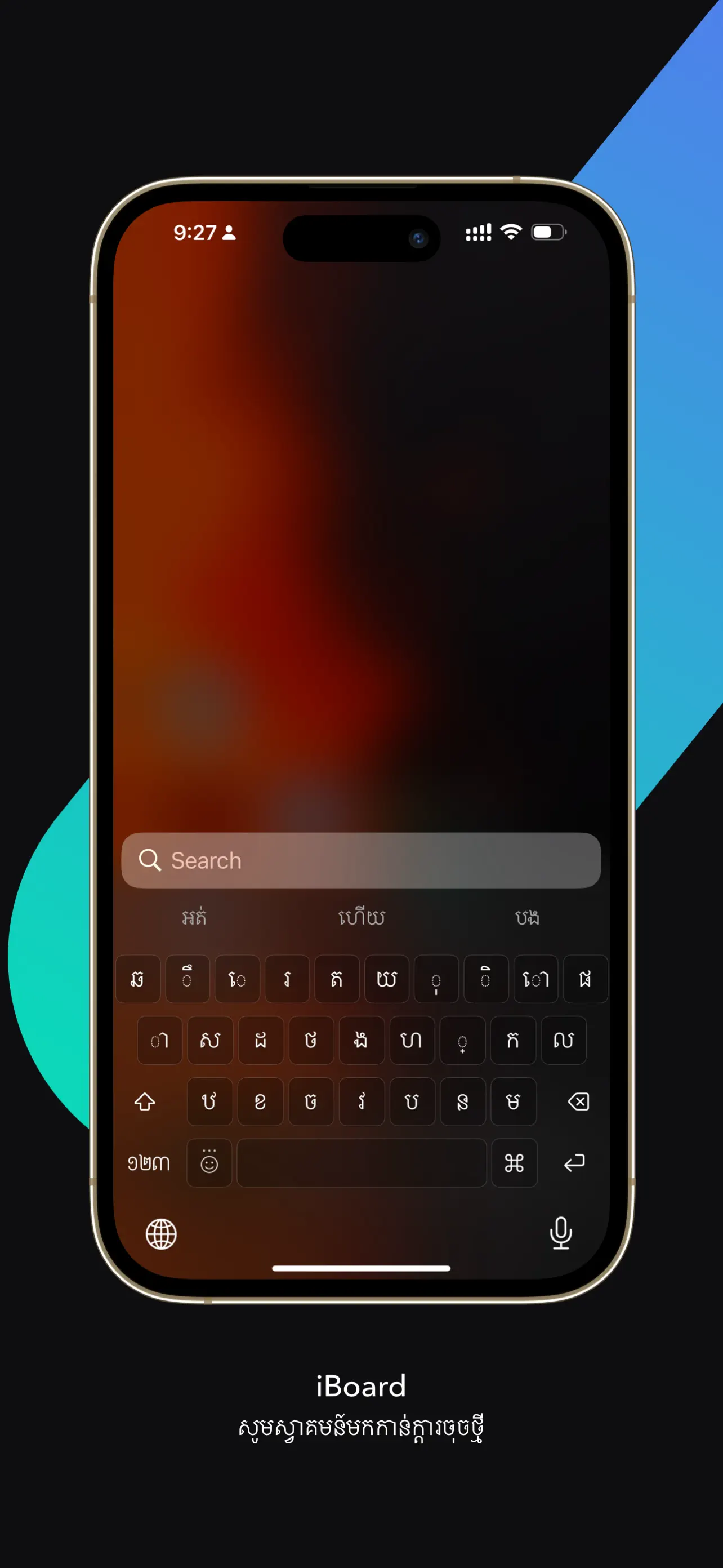
Clean QWERTY Layout
Ergonomically designed Khmer keyboard layout built for speed, comfort, and natural thumb reach.
Predictive Text Engine
Custom experience-based prediction algorithm that suggests words as you type and accelerates typing speed.
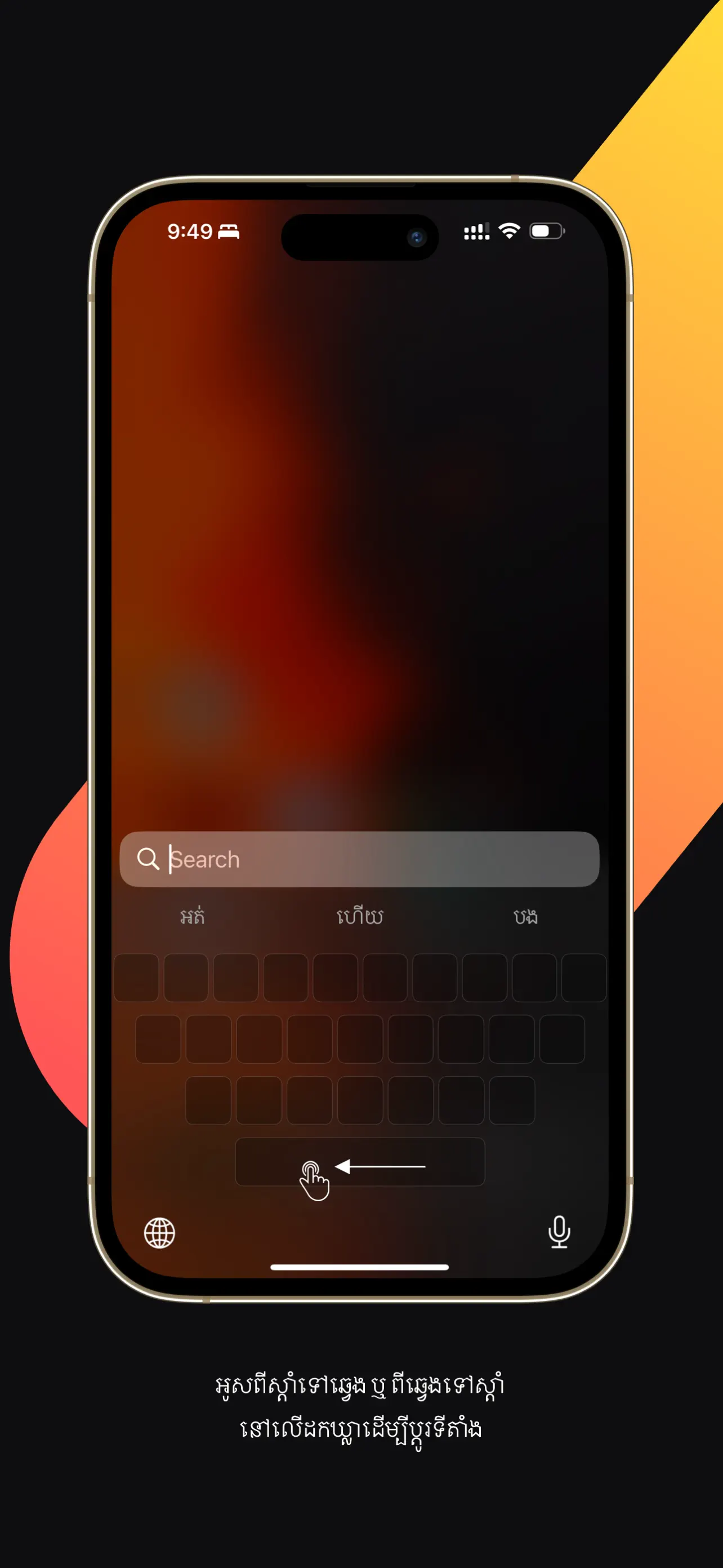
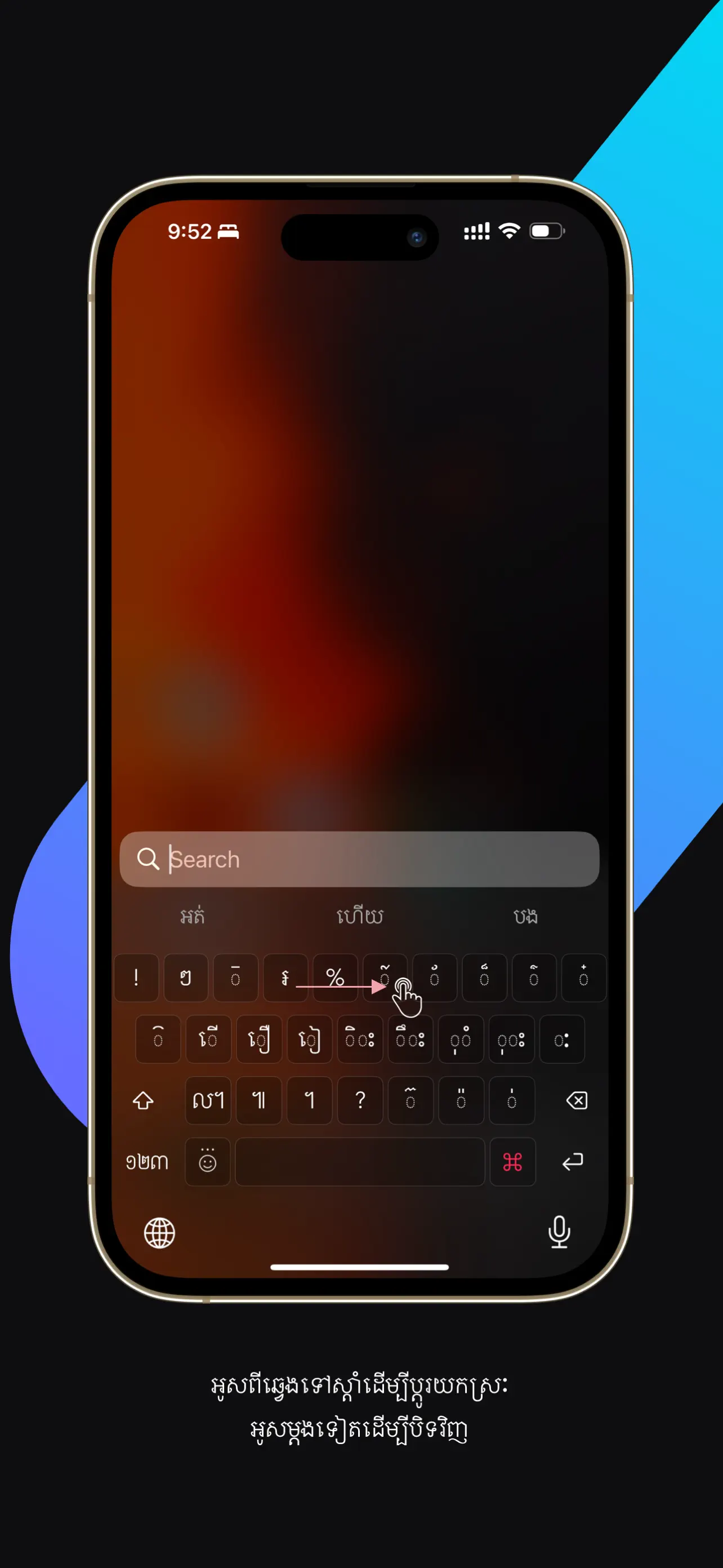
Fluid Swipe Gestures
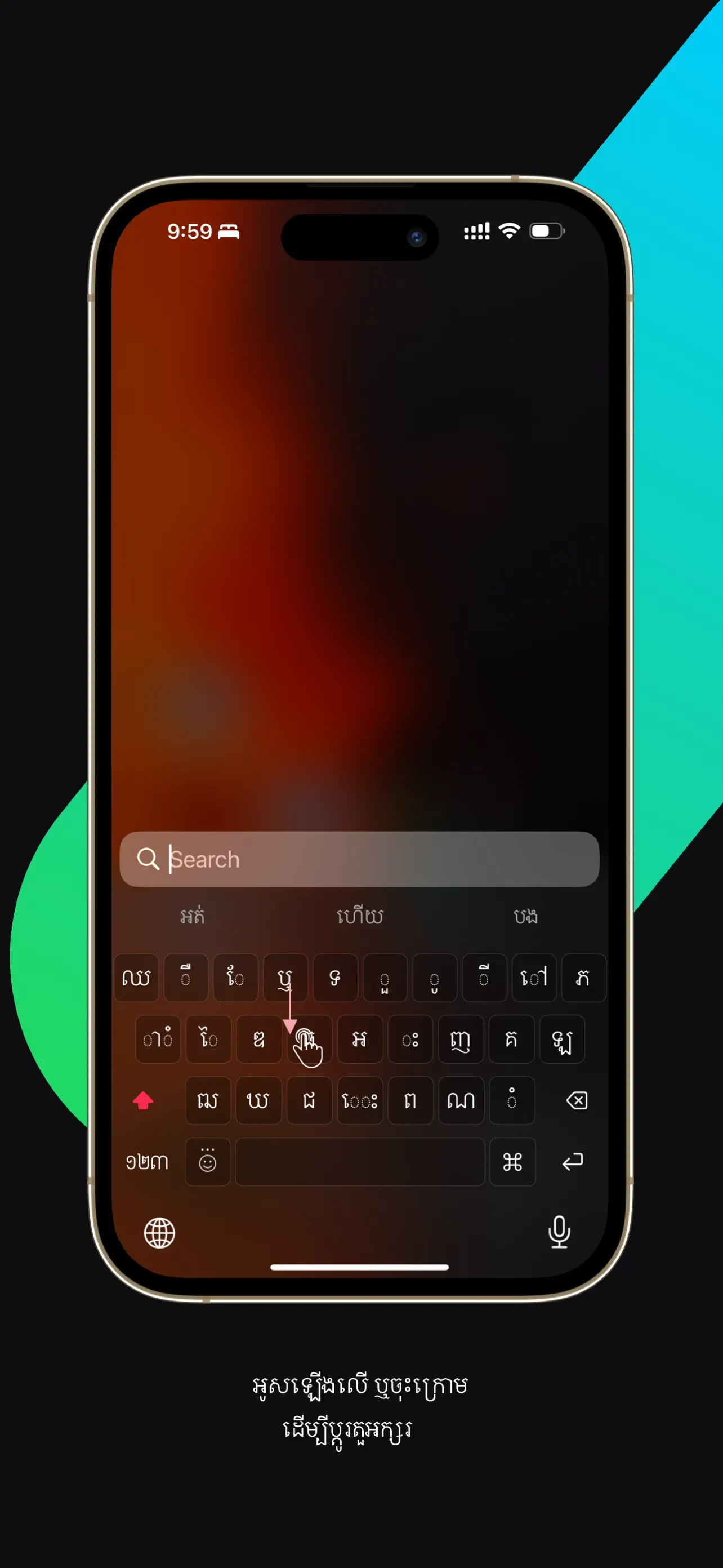
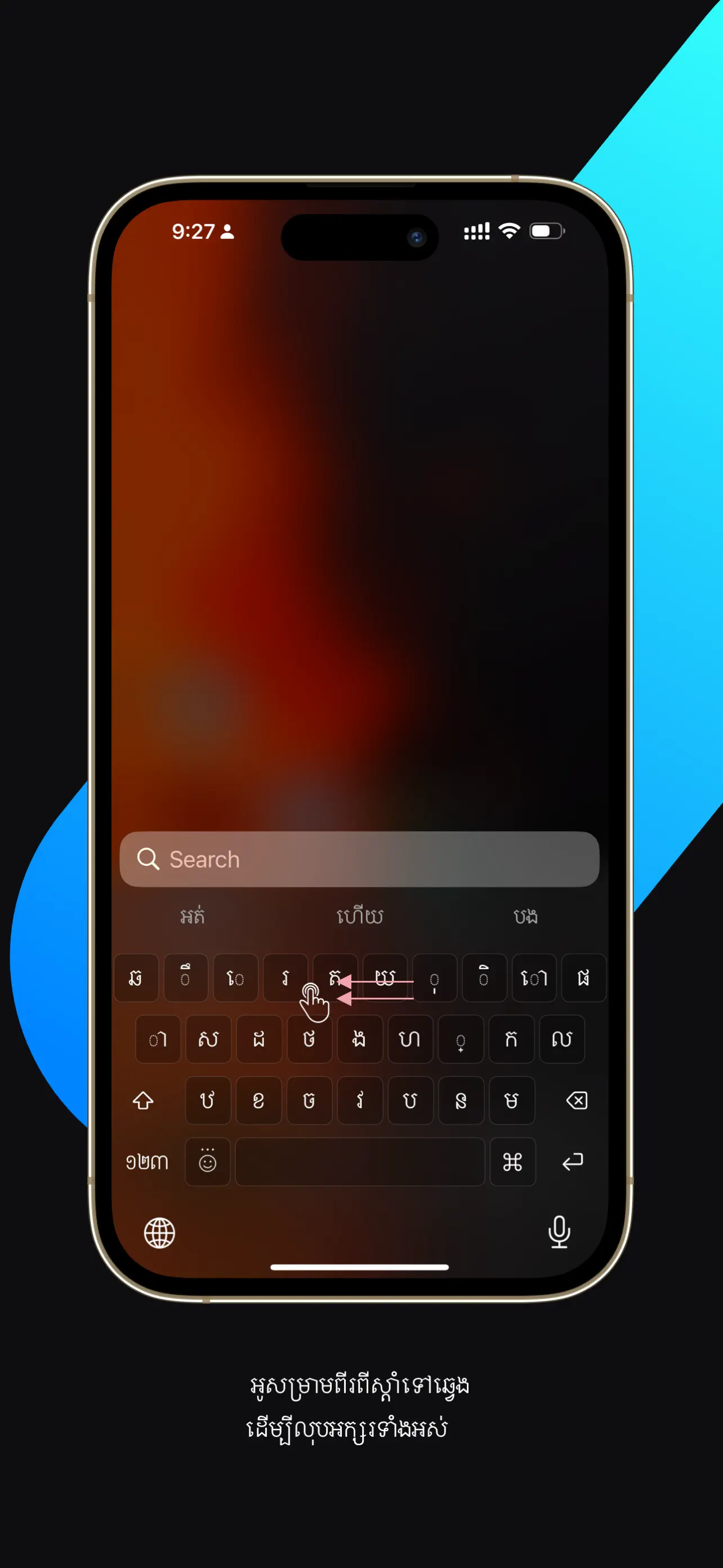
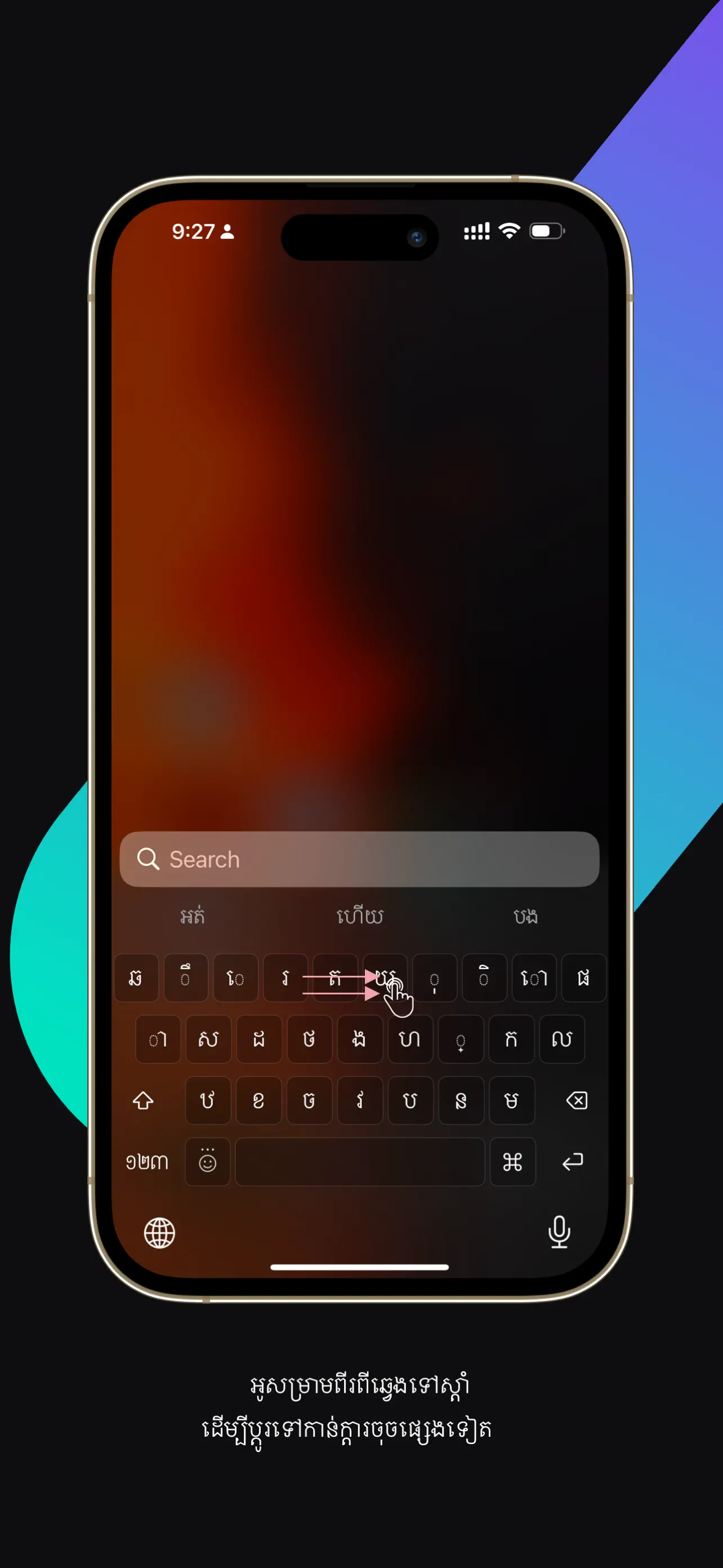
Swipe to shift, swipe back to delete words, two-finger swipe to clear, and 3D touch or haptic cursor repositioning.
Adaptive Vocabulary
Learns your everyday slang, abbreviations, nicknames, and personalized Khmer phrases.
Themes & Integrated Emoji
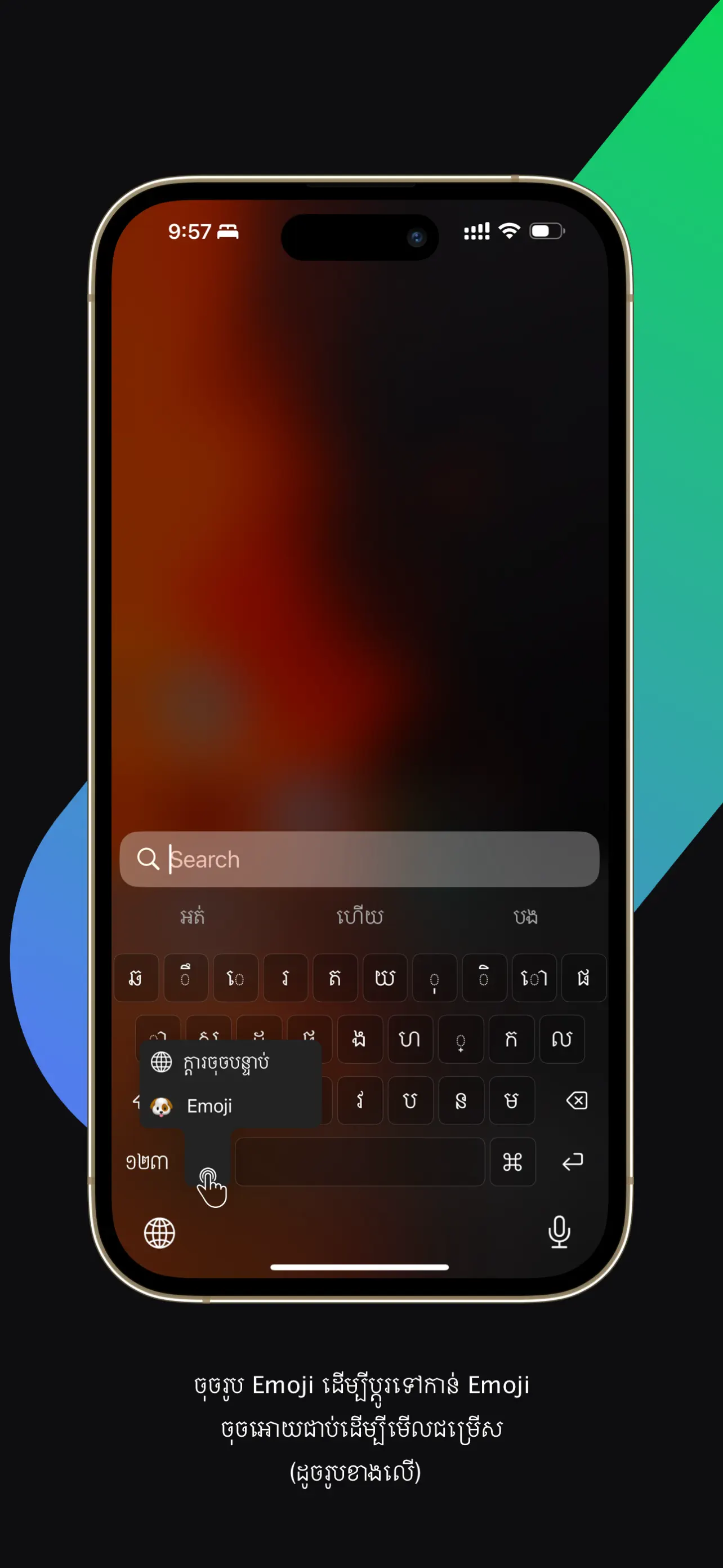
Beautiful light, dark, and vibrant colorful themes with an integrated emoji selector.
Cross-Device Word Sync
Keep your custom vocabulary and predicted phrases synchronized across your Apple devices.
HELPFUL TO KNOW
A few things to know.
How do I enable iBoard on iOS?
Open Settings > General > Keyboard > Keyboards > Add New Keyboard, select iBoard, and enable Allow Full Access to activate smart word suggestions.
Does iBoard send keystrokes to any server?
No. All word suggestions and keystrokes are processed locally on your device for absolute privacy.
Does iBoard work on iPad?
Yes, iBoard is fully optimized for both iPhone and iPad in portrait and landscape orientations.
STUDIO COLLECTION
Explore more independent apps.
Discover all 13 handcrafted tools built with Swift and SwiftUI for iPhone, iPad, and Mac.